STATISTICS & REPORTING
The month-end report is no longer an overnight shift — just one click.
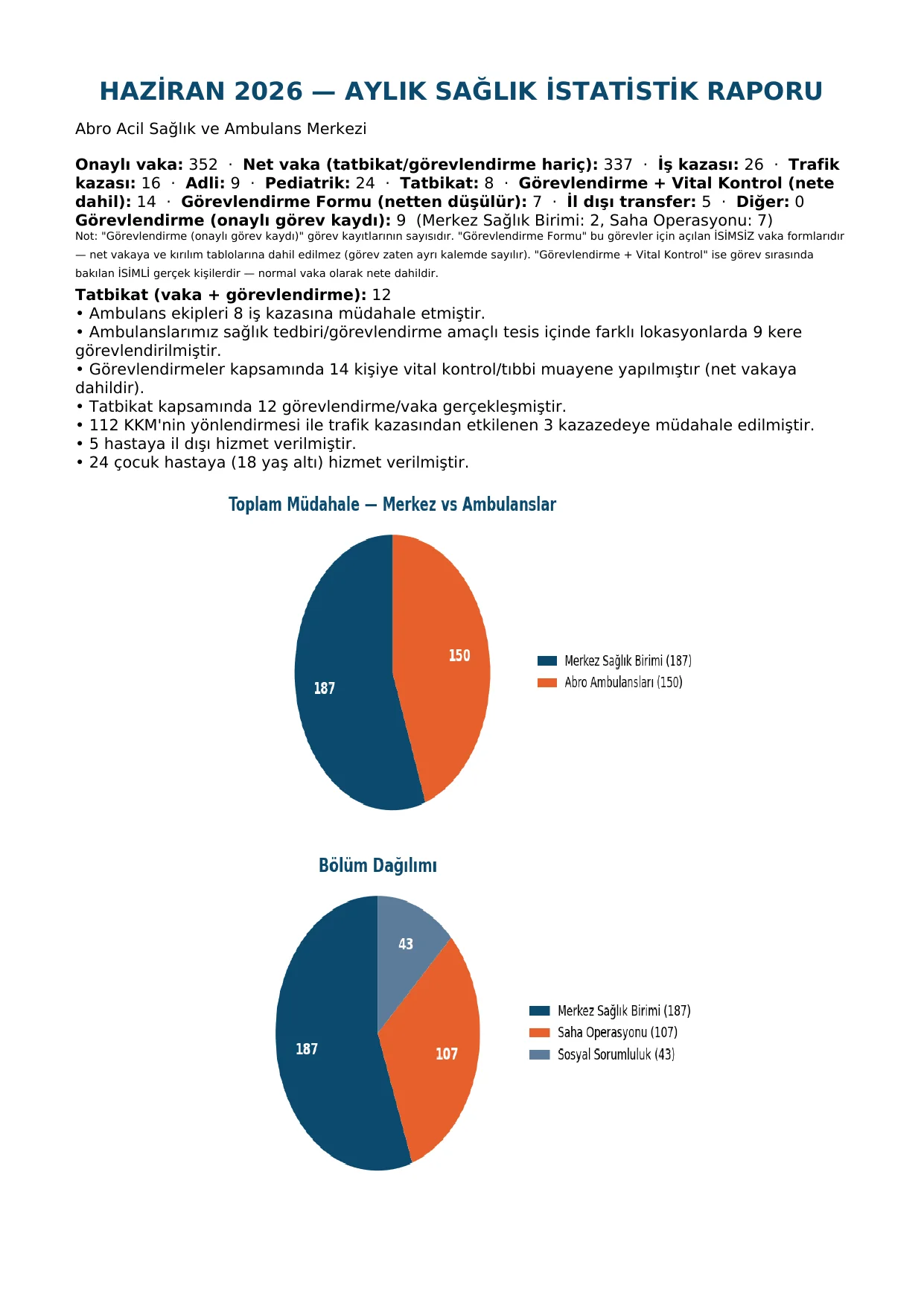
Daily tagging accumulates, and the monthly client report comes out as Word and PDF with one click. Net cases, breakdowns, and assignments are kept separate — nothing is counted twice.
FIELD REALITY
Collecting data for days every month, a different format for every client.
When tagging is scattered, the table has to be rebuilt by hand at month-end; every client also wants its own format.
Hand-built tables
When daily records stay scattered, collecting them one by one at month-end takes another full shift.
A template that changes per client
Every client wants its own format; the table you built gets rebuilt again next month.
ONE-CLICK REPORT
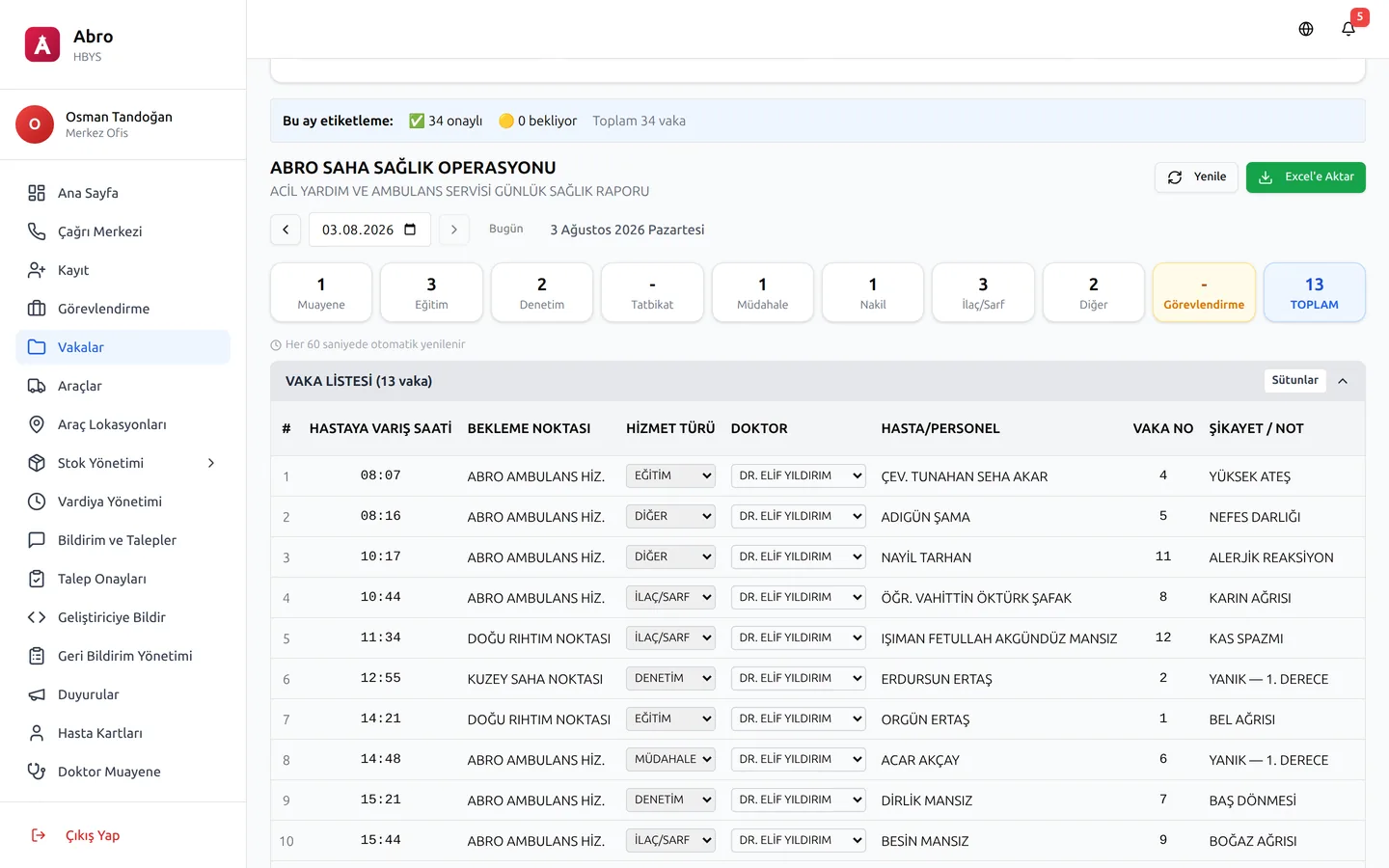
Daily tagging, automatic report.
The field team tags the case as the day closes; the system accumulates it, computes it, and prepares it as Word/PDF in the client's own template.
- 01Tag the day
- 02The system accumulates and computes
- 03Word/PDF comes out in the client's template
FEATURES — 6
From a tag to a client report, in six steps.
Each feature removes one more manual touch from the month-end report.
Daily Tagging
The field team tags the case with one click as the day closes; there is no separate data set left to collect at month-end.
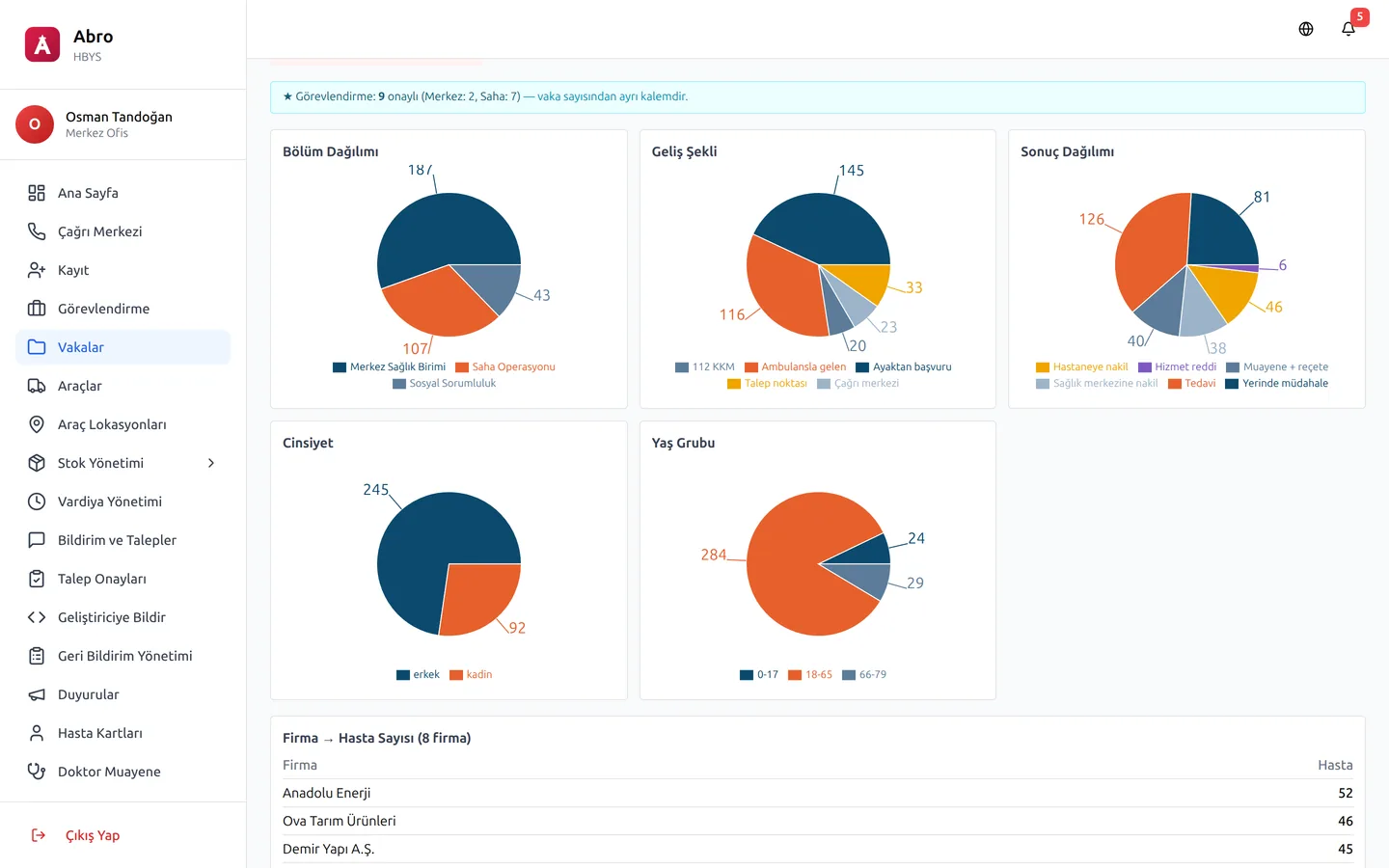
Automatic Chart & Table
As tags accumulate, charts and tables update themselves; there is no need to build a spreadsheet by hand.
One-Click Client Report
The Word and PDF output is prepared with one button, ready to sign in the format your client requires.
Net Case Distinction
Assignments, drills, and real cases are counted separately — the same record never appears twice in the report.
Client-Specific Template
Every client's report format is different; the template is set up once and comes out the same way every following month.
Period Comparison
How does this month compare to last month, this year to last year? The comparison is on one screen — you don't calculate it.
DEMO
See how your reports become automatic.
Fill in the form and we'll call you within one business day. In the demo environment, let's see how your own client report comes out with one click.
Request a Demo