CASE MANAGEMENT · VKA
The moment a case opens, let the right team set off with the right information.
From the call center record to team assignment, from the official form to the monthly report — one case record carries the same data all the way through.
FIELD REALITY
Lost information means delay in the field.
Case information is taken over the phone, written on paper, typed into the system at night, and carried into the month-end report — a line can go missing at every step.
Call information
The case is taken over the phone, often noted by hand; the team carries a memory, not a note, on the way out.
Paper case form
The intervention is written on paper; an illegible line means extra work decoding it again that evening.
Re-written into the report
The same information passes through hands a third time in the month-end report; the risk of error and omission compounds at every handoff.
THE SAME INFORMATION IS WRITTEN THREE TIMES
ONE RECORD
One record flows end to end.
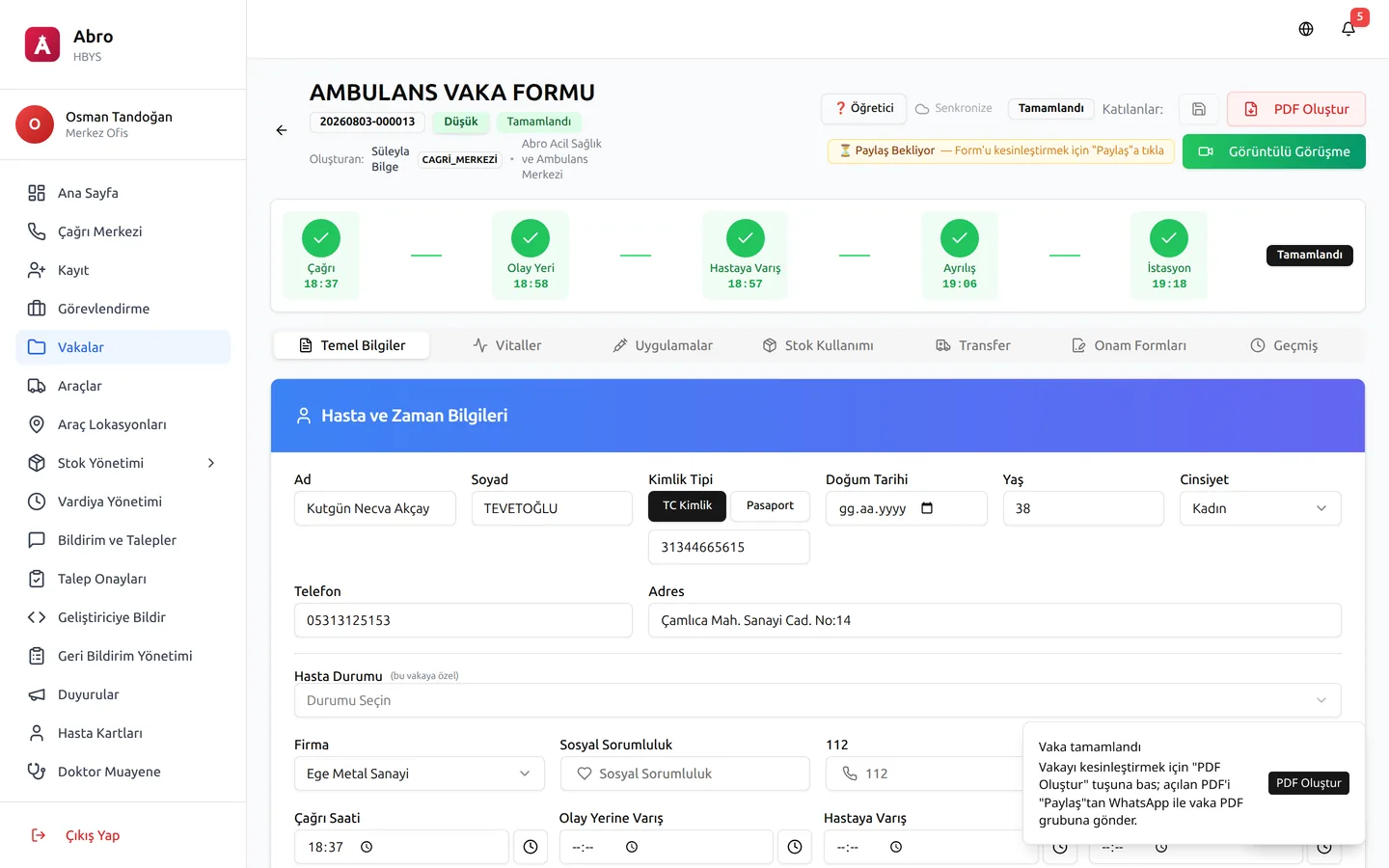
A case opened at the call center moves through team assignment, treatment, the official PDF form and the daily tag on the same record — never rewritten at any step.
FEATURES
Six steps of the case record, on one screen.
Each feature works on its own; run them together and the same information is never typed twice.
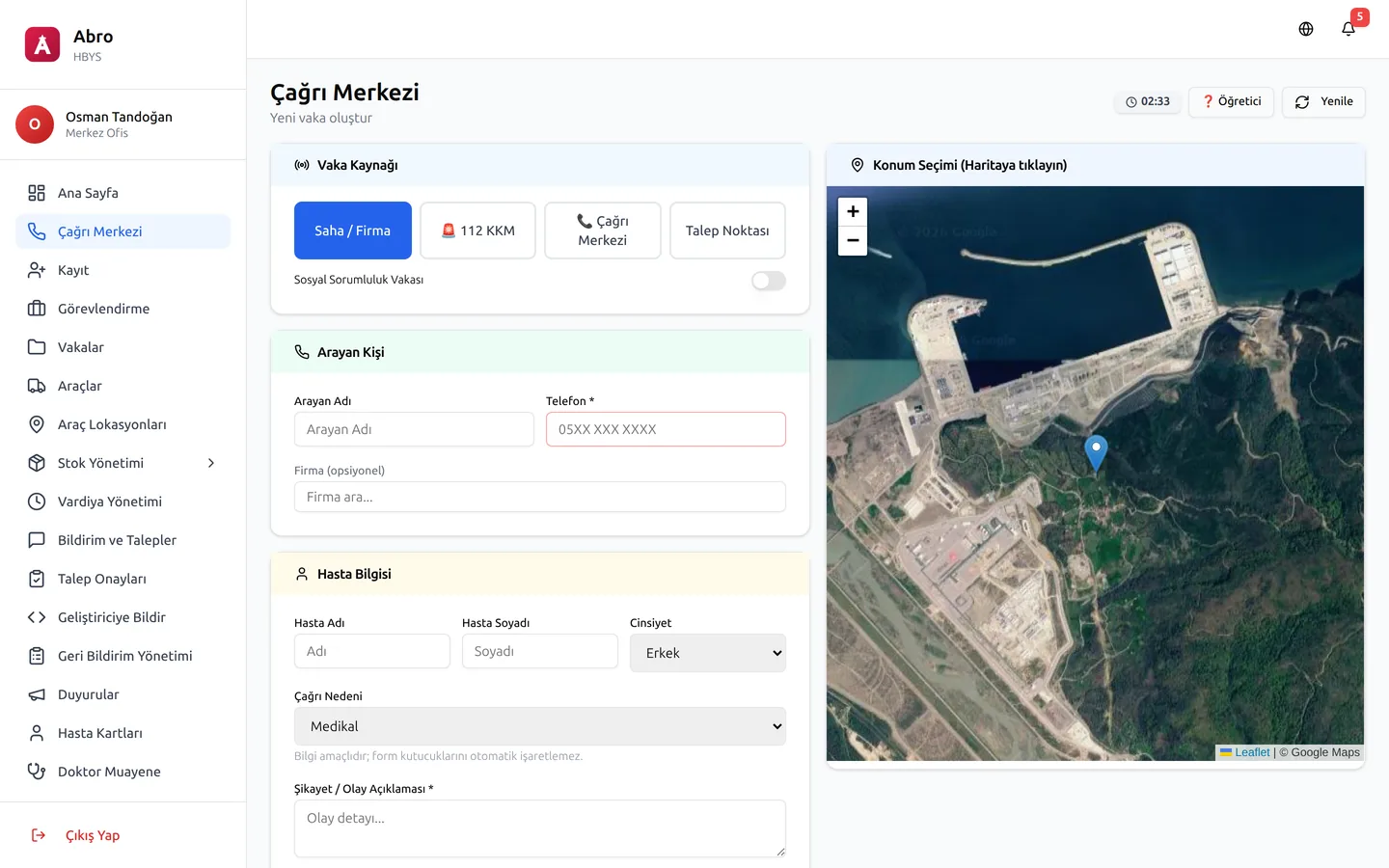
Call center record
The case opens in the system the moment the call comes in; location, patient and client details are on record from the first second.
Team/vehicle assignment + clash check
The right team and vehicle are assigned in the system; if there is a clash, the system warns before the assignment goes through.
TC/passport patient card
The patient card opened with a national ID or passport number sits on one screen together with the previous cases.
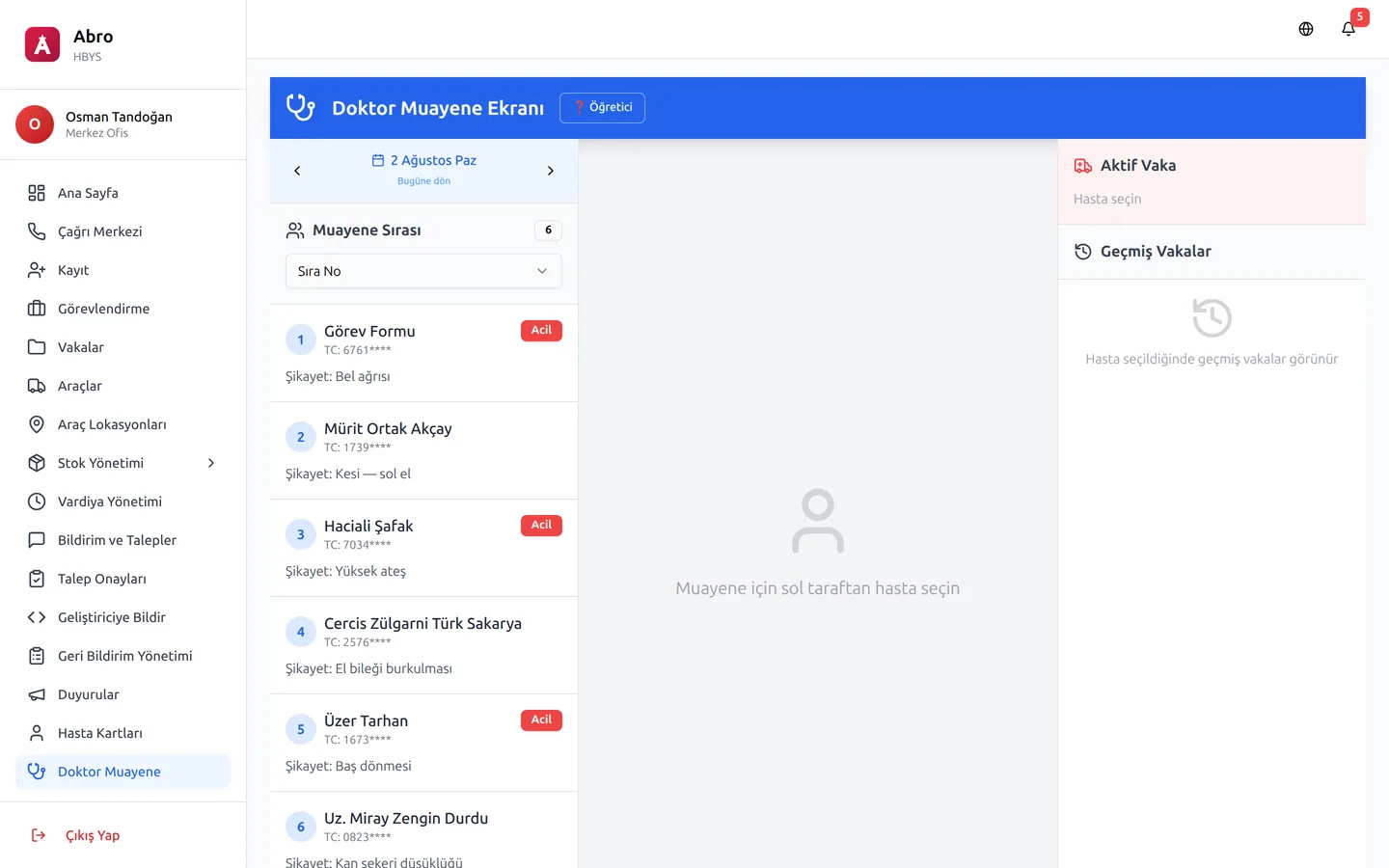
Doctor examination integration
The field team's record flows into the doctor's examination screen through the same patient card; nothing is entered twice.
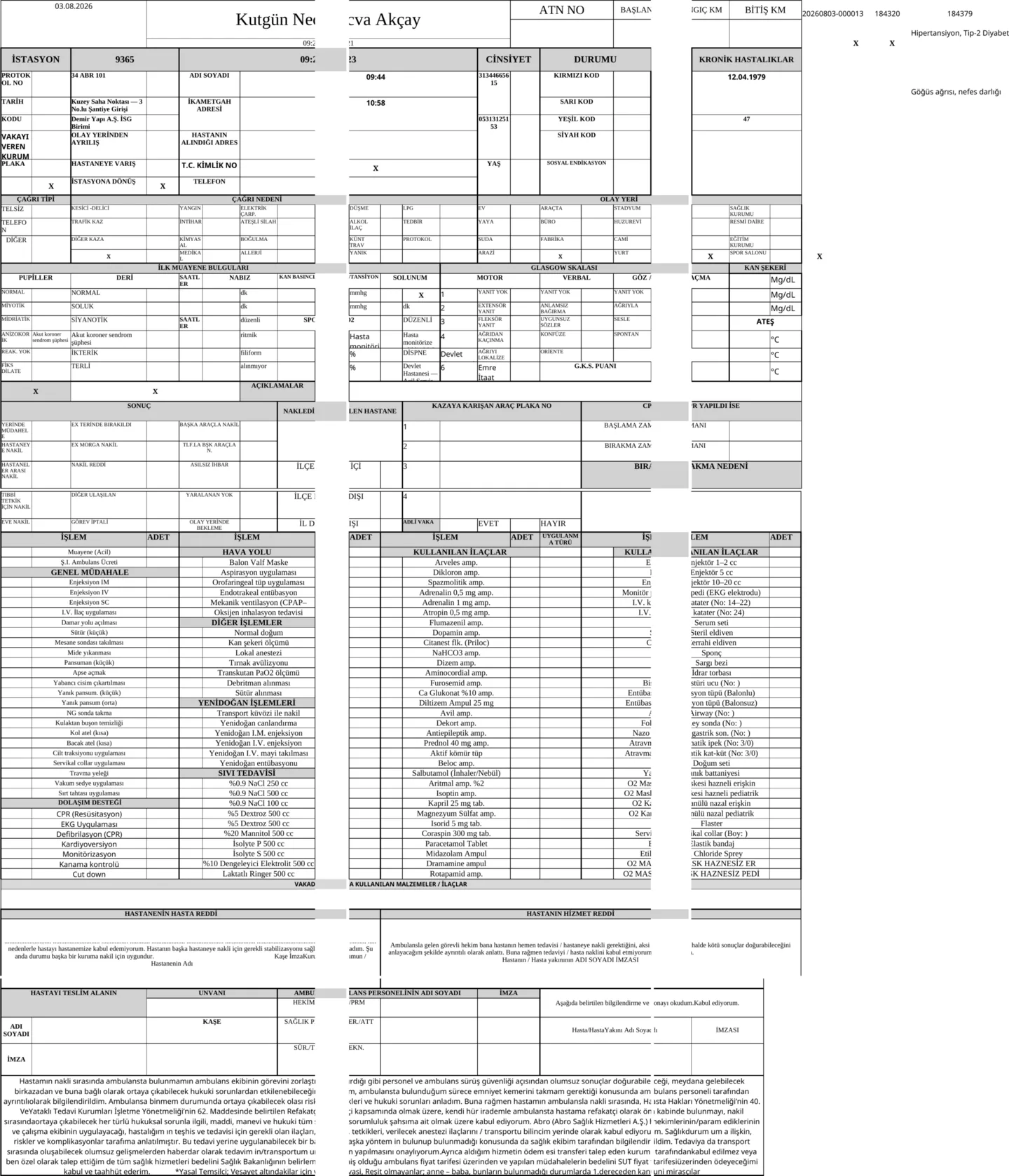
Exact PDF of the official form, one click
When a case closes, the record turns into a PDF that matches the client’s official case form exactly, in one click.
Cancel / drill / assignment split
A cancelled case, a drill record and an assignment form are never mixed up; each is counted separately under its own tag.
PREVIEW
The same screen, turned into the official form exactly.
LIVE TUTORIAL
New staff never get lost on their first case.
A 19-step live tour walks through the case record screen step by step, entering and leaving each tab with its own click.
19 STEPS · TAB-BY-TAB LIVE TOURDEMO
See your case workflow live.
Fill in the form and we will call you within one business day. In the demo environment we walk through your own case workflow, step by step.
Request a Demo